Setting Up Google Ads: Step-by-Step
Sarah Johnson
11/1/2024
# Setting Up Google Ads: Step-by-Step
Setting up your first Google Ads campaign can seem overwhelming, but it's easier than you think. In this step-by-step guide, we'll walk you through the process.
Step 1: Create a Google Ads Account
1. Go to google.com/ads 2. Click "Start now" 3. Sign in with your Google account 4. Enter your business information 5. Set your budget and timezone
Step 2: Set Up Billing
1. Go to the Billing section 2. Add your payment method 3. Set your monthly budget 4. Review your billing settings
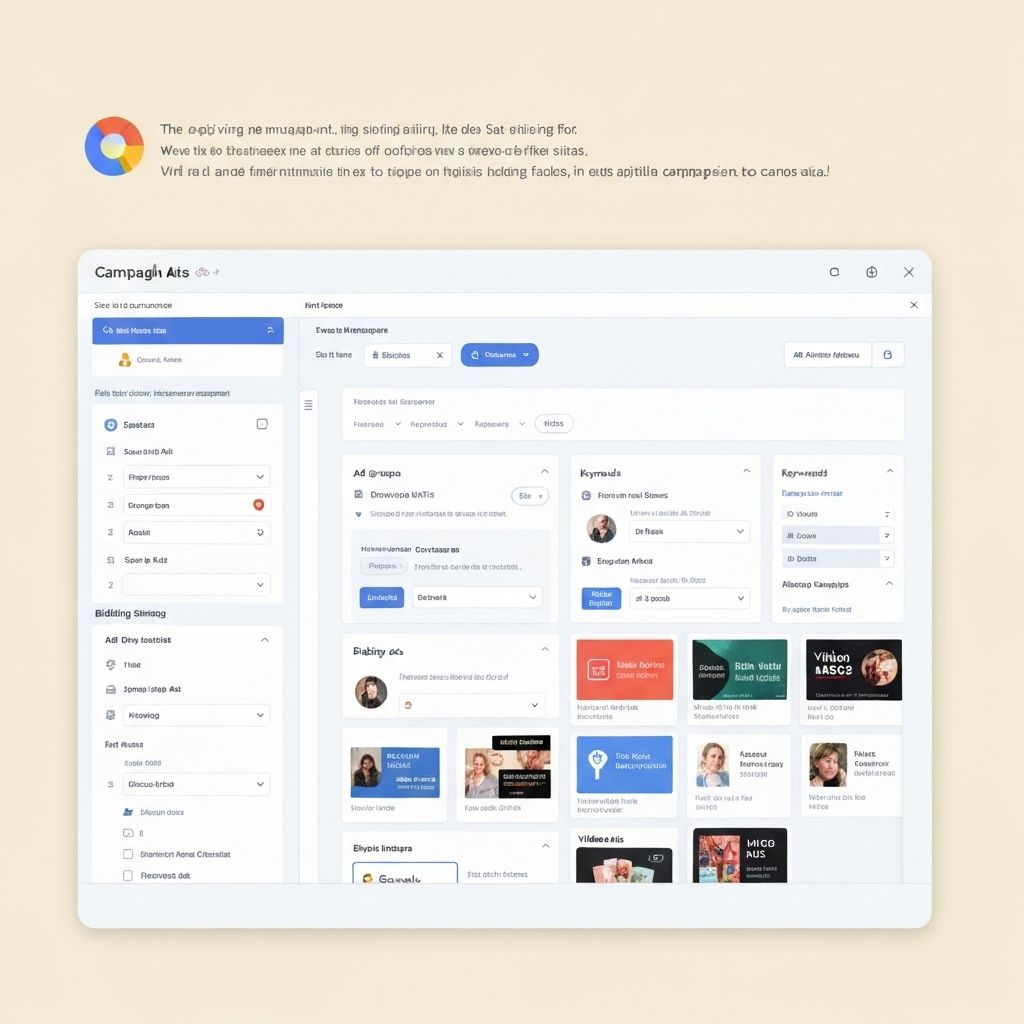
Step 3: Create Your First Campaign
1. Click "Create campaign" 2. Choose your campaign goal (Sales, Leads, Website traffic, etc.) 3. Select your campaign type (Search, Display, Shopping, etc.) 4. Name your campaign
Step 4: Set Campaign Settings
1. Choose your target locations 2. Set your language 3. Choose your bidding strategy 4. Set your daily budget 5. Configure ad scheduling if needed
Step 5: Create Ad Groups
1. Name your ad group 2. Add keywords 3. Set your bid amount 4. Add negative keywords
Step 6: Write Your Ads
1. Create your headlines (up to 3) 2. Write your descriptions (up to 2) 3. Add your display URL 4. Add your final URL (landing page) 5. Add ad extensions
Step 7: Set Up Conversion Tracking
1. Go to Tools & Settings > Conversions 2. Click "New conversion" 3. Choose your conversion type 4. Follow the setup instructions 5. Add the conversion tracking code to your website
Step 8: Review and Launch
1. Review all your settings 2. Check your ads for errors 3. Click "Create campaign" 4. Monitor your campaign performance
Best Practices for New Campaigns
- Start with a small budget
- Test different keywords and ad copy
- Monitor your performance daily
- Make adjustments based on data
- Be patient—it takes time to optimize
Common Mistakes to Avoid
- Targeting too broadly
- Ignoring negative keywords
- Poor landing page experience
- Not tracking conversions
- Setting bids too high
Conclusion
Setting up Google Ads is straightforward when you follow these steps. Start small, monitor your performance, and continuously optimize for better results.
Ready to implement these strategies?
Let our team help you achieve your digital marketing goals.
Get Started TodayComments
Leave a Comment
0 Comments
Loading comments...